[Avg. reading time: 13 minutes]
Setting up Bigdata Environment
This setup creates a ready-made development environment for this course.
Instead of installing the necessary softwares, libraries, compilers, and tools on your laptop, everything runs inside a container.
This guarantees everyone has the exact same setup, so there’s no “it works on my machine” problem.
We will learn how this works in later weeks.
Video
Step by Step
- Install VSCode and Remote Development Extension
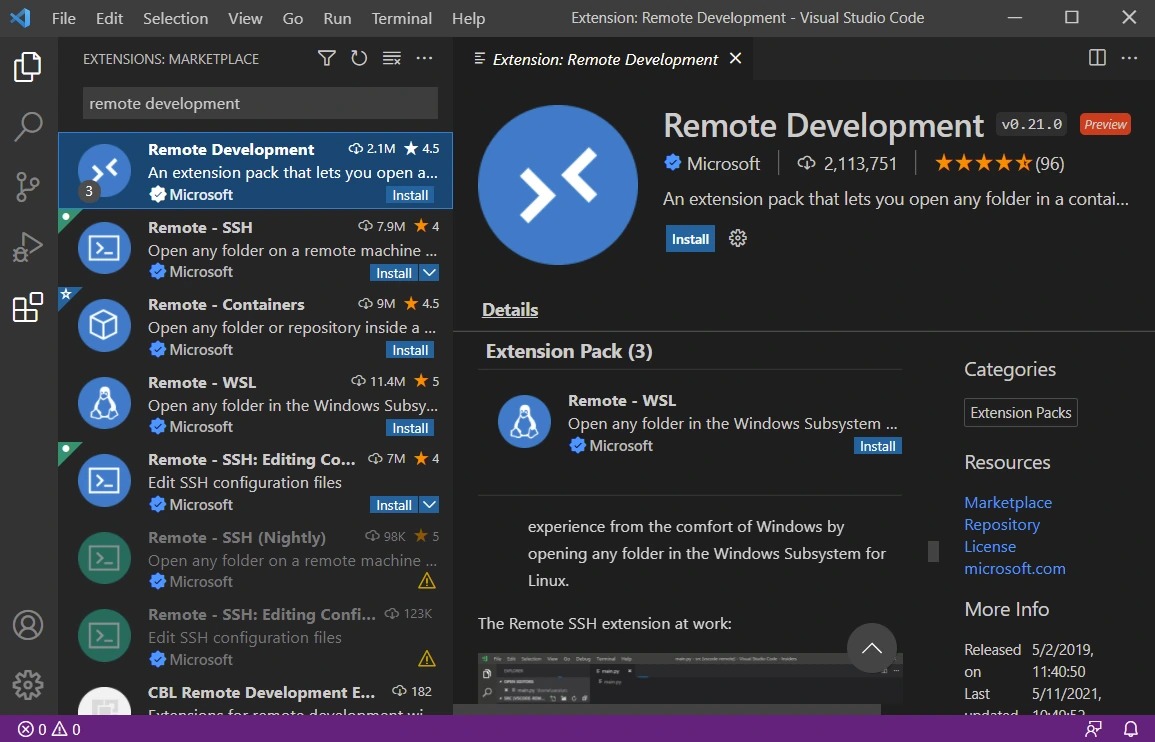
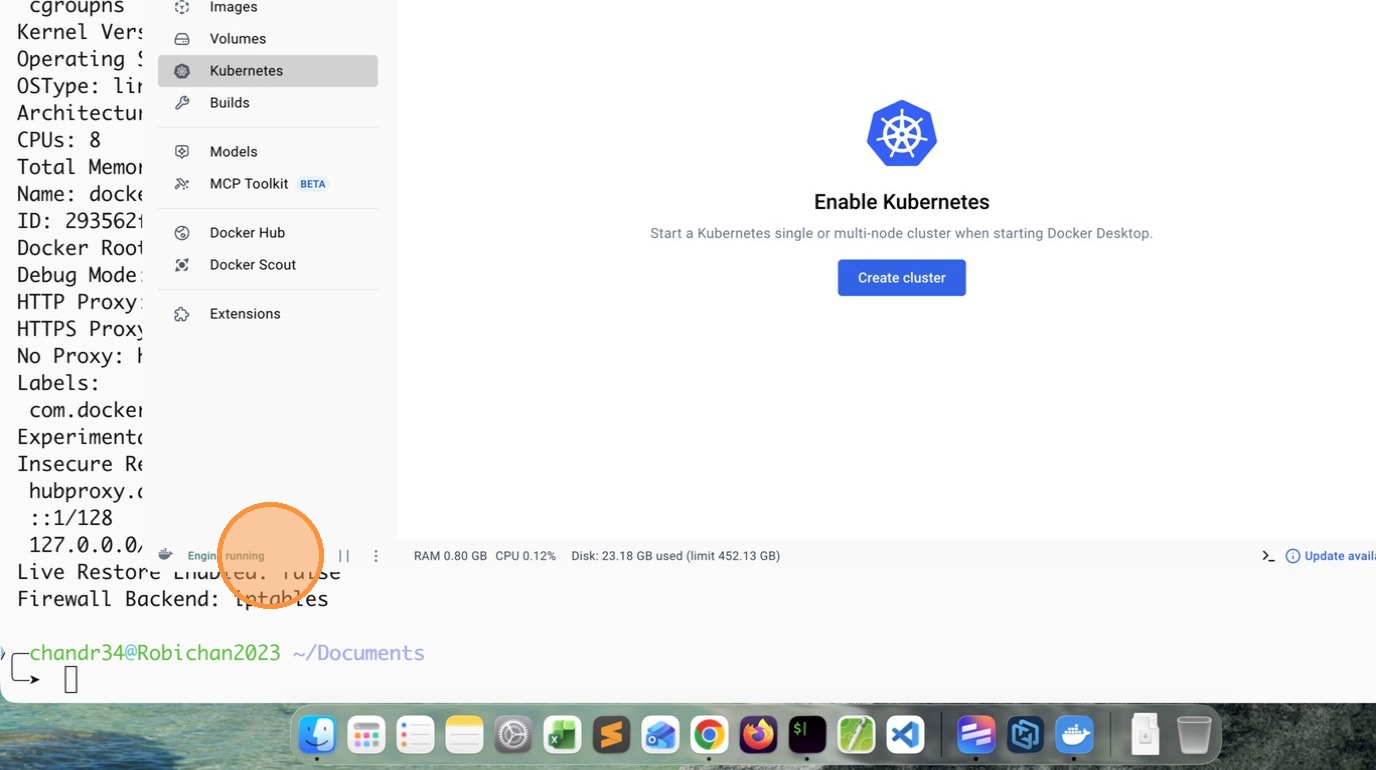
- Install Docker Personal and make sure Engine is running
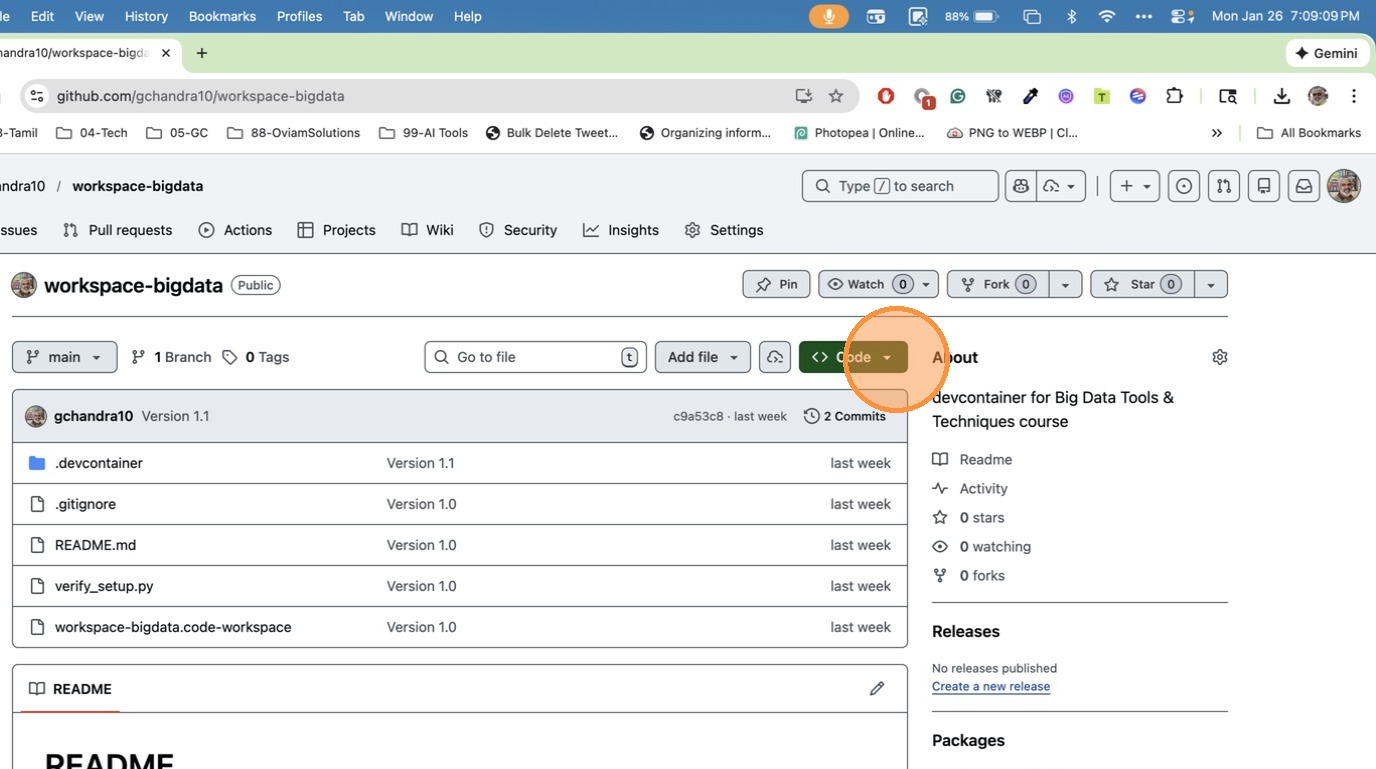
- Copy the gitrepo https://github.com/gchandra10/workspace-bigdata
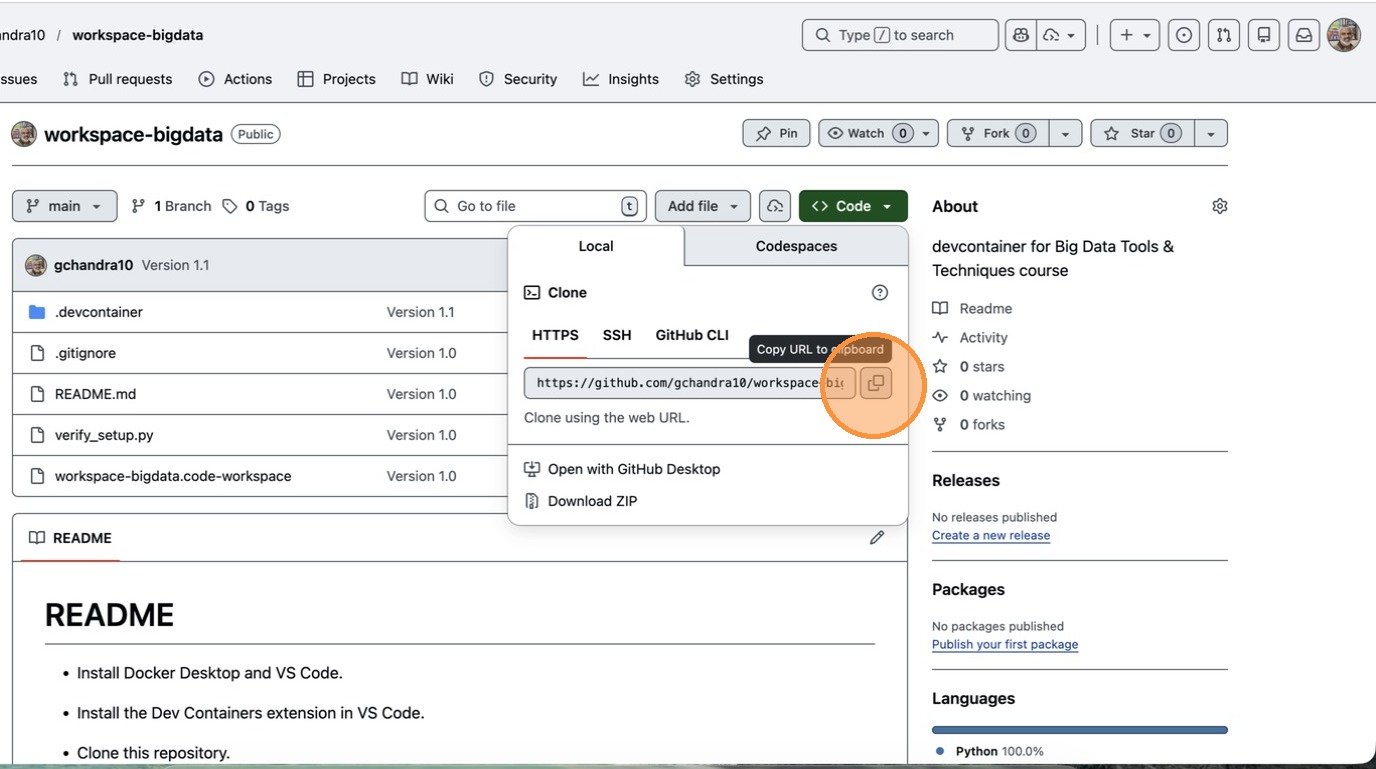
- Click “Copy URL to clipboard”
- Open Terminal / Command Prompt and clone the Repo
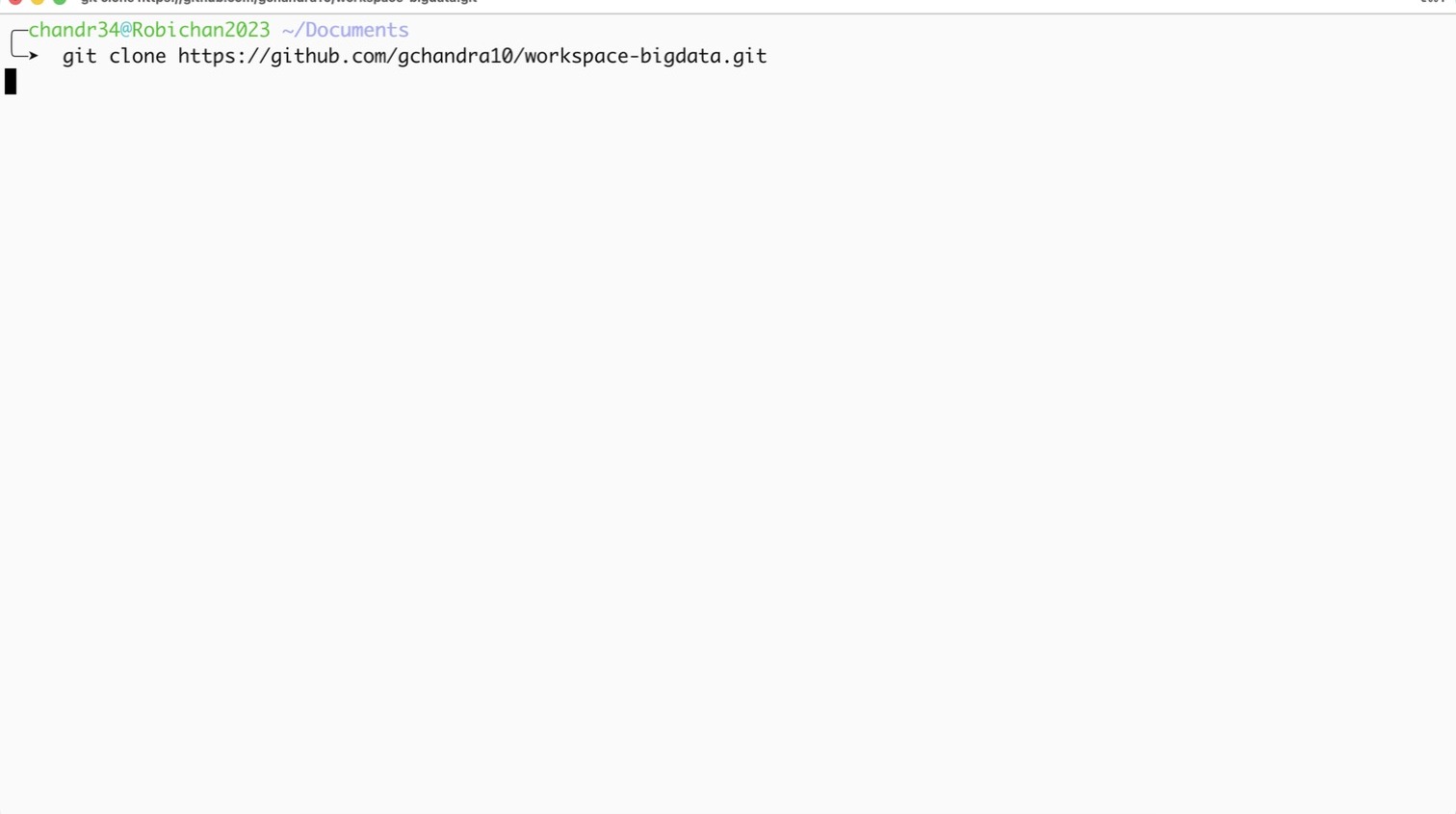
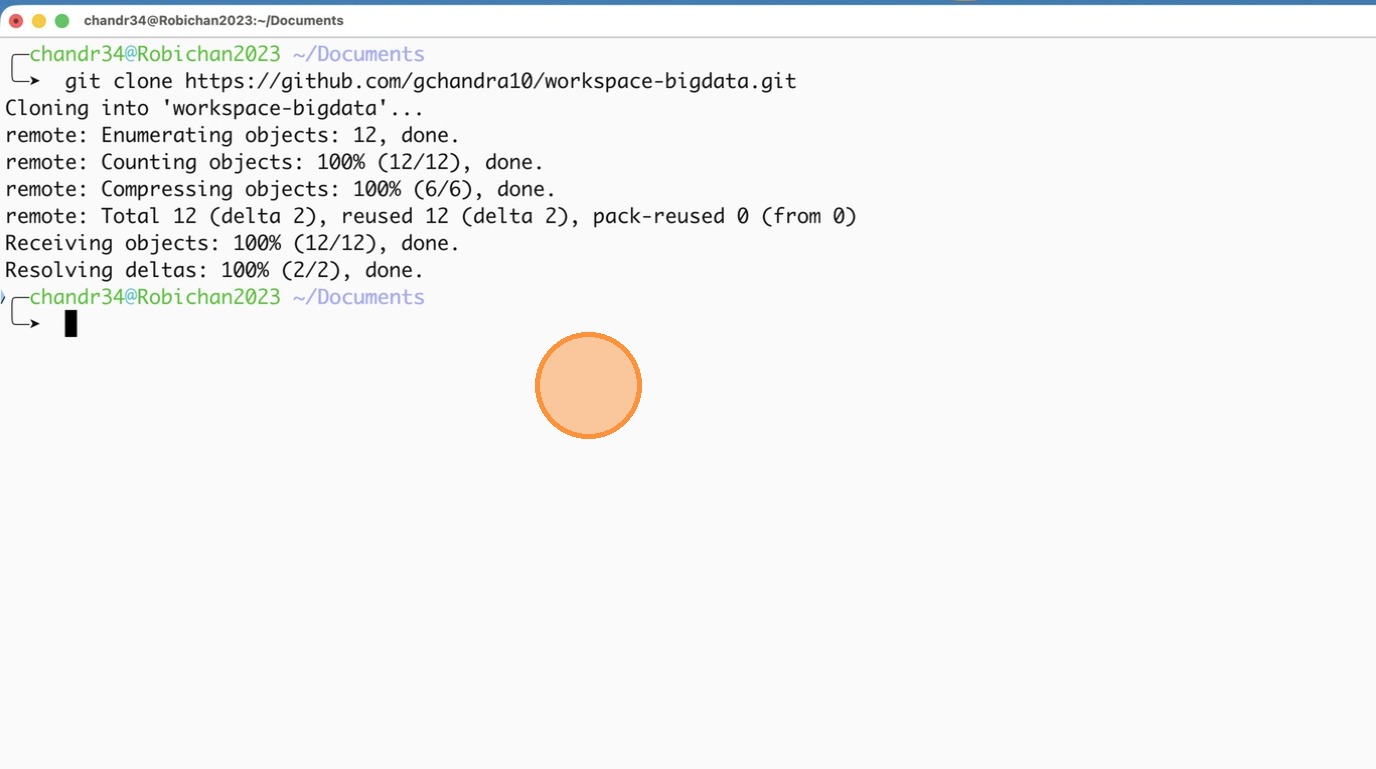
- Step after cloning the repo
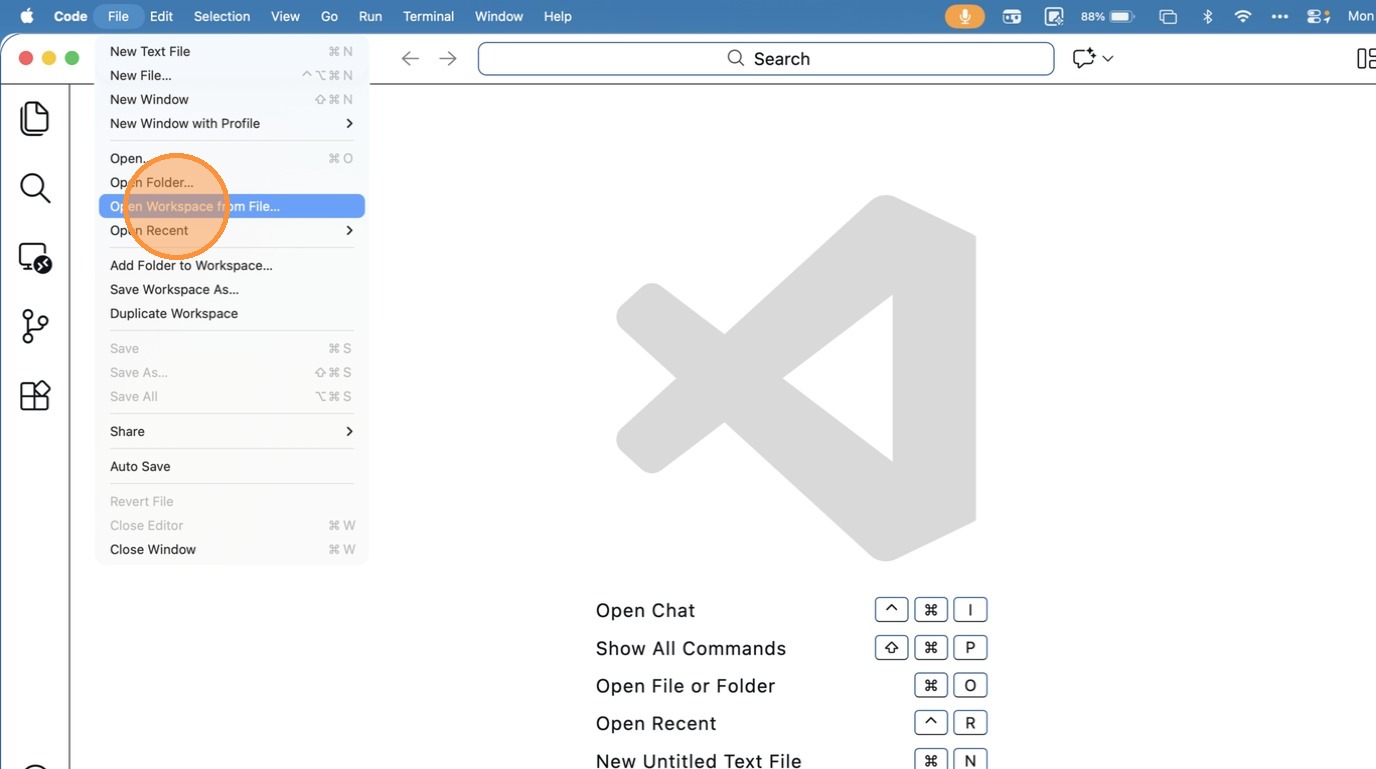
- Click “Open Workspace from File…”
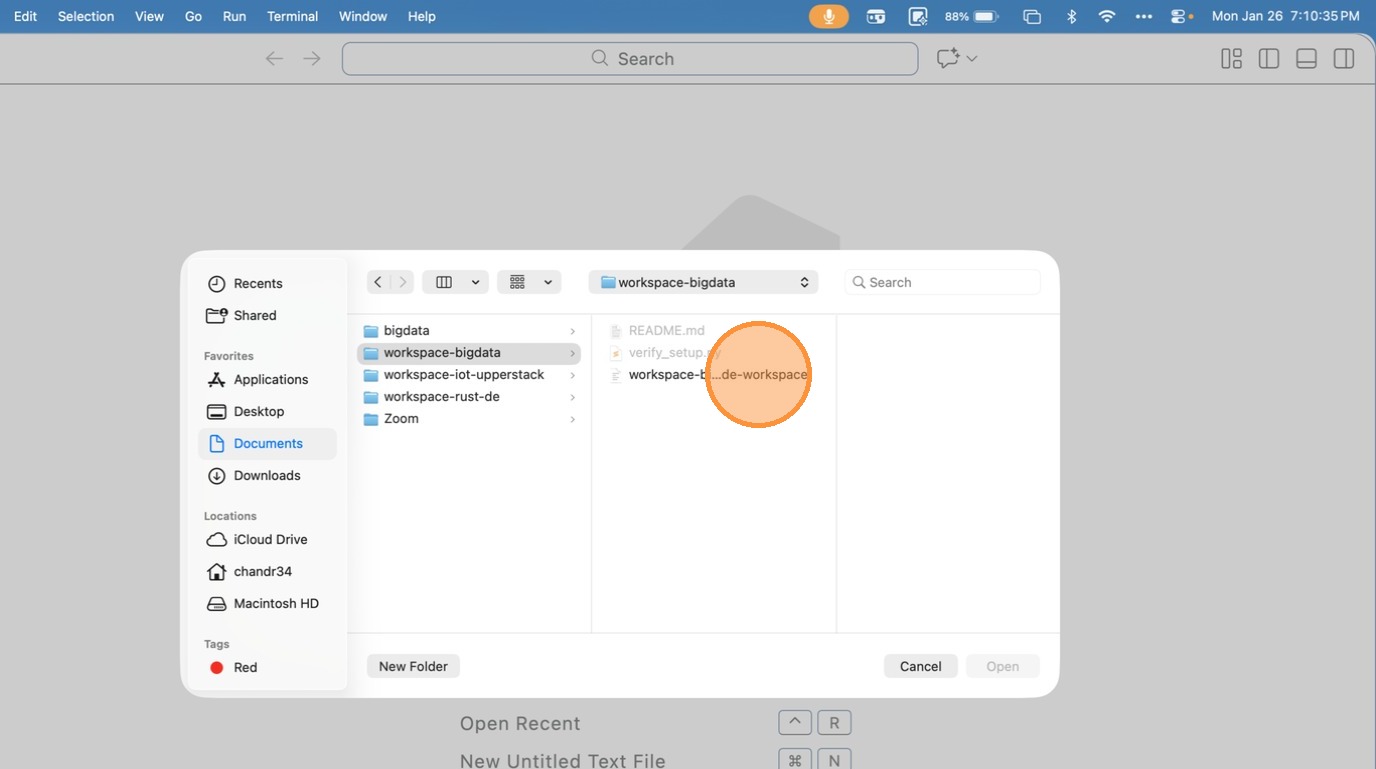
- Choose the Workspace file inside the folder
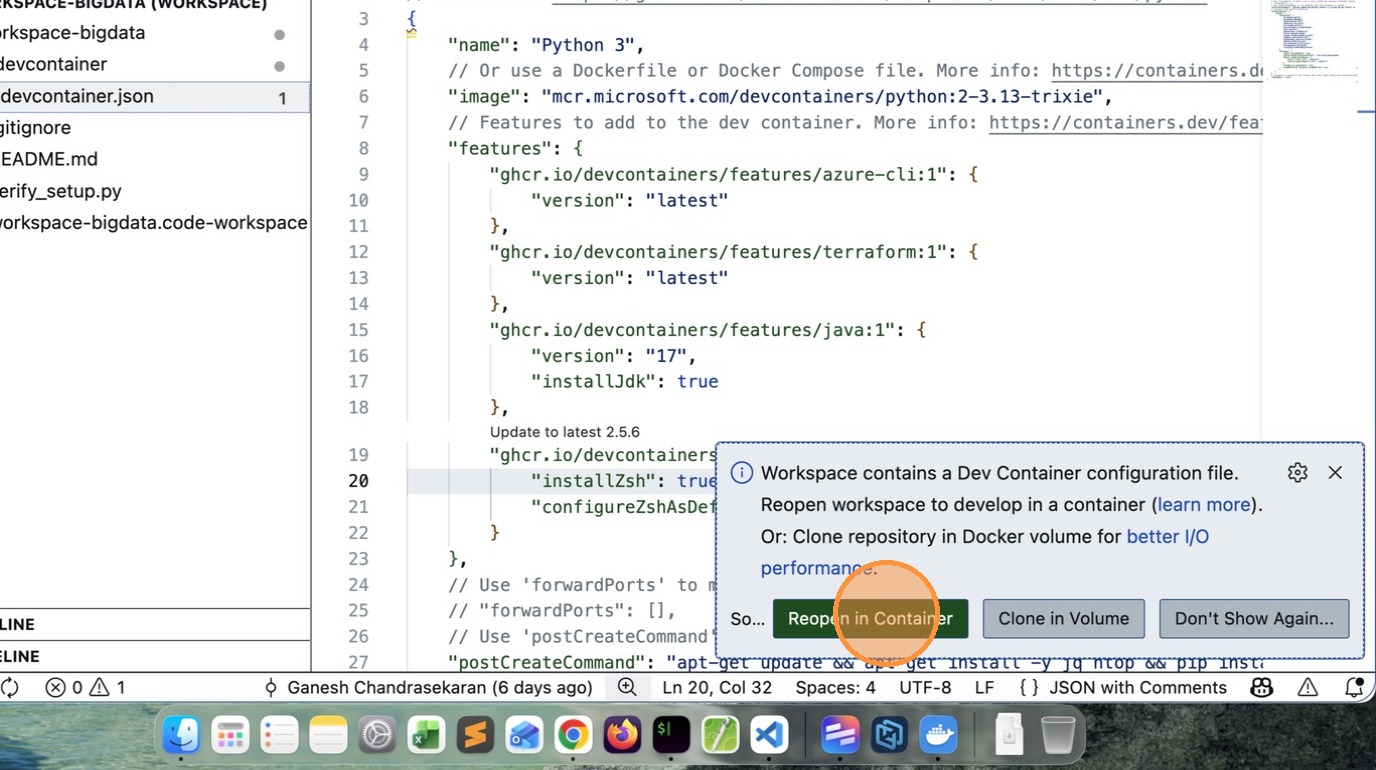
- VSCode will prompt to Reopen in Container, click that Button.
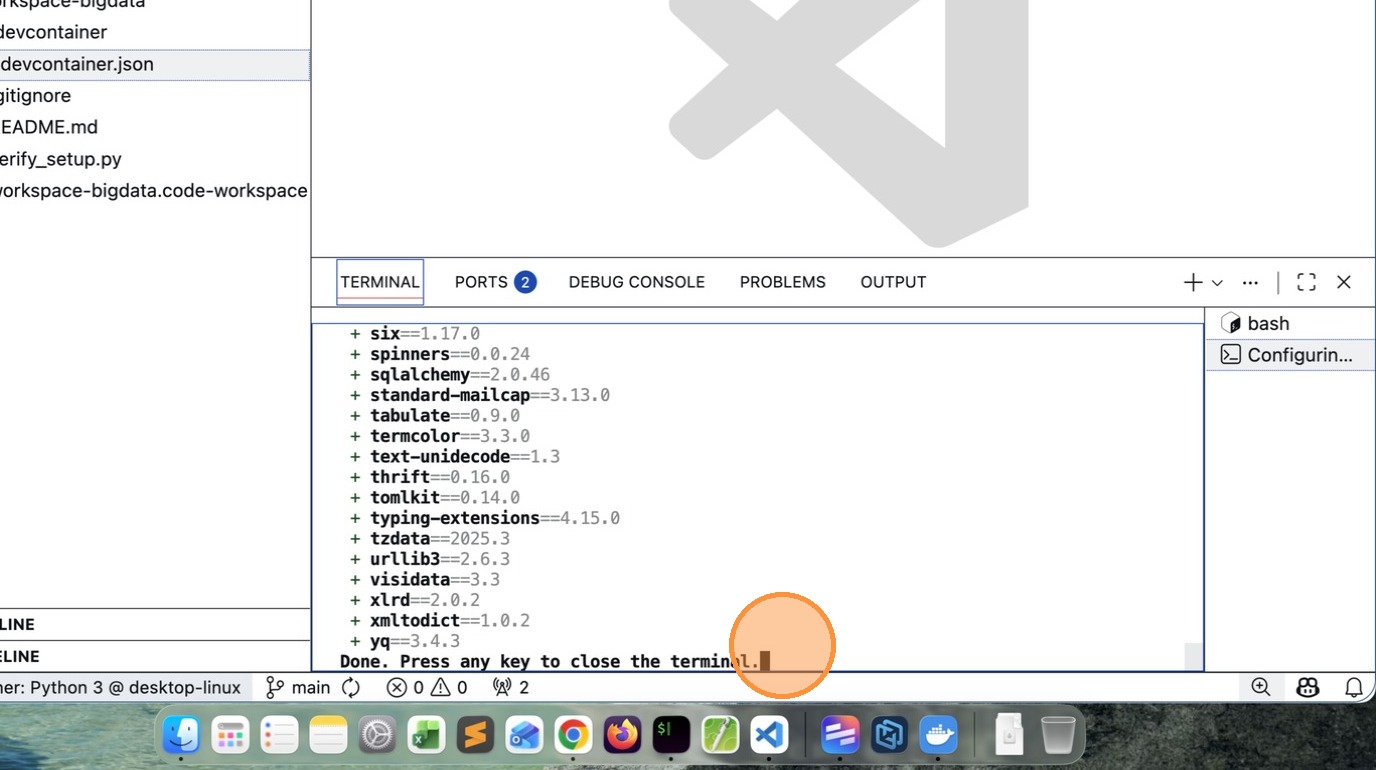
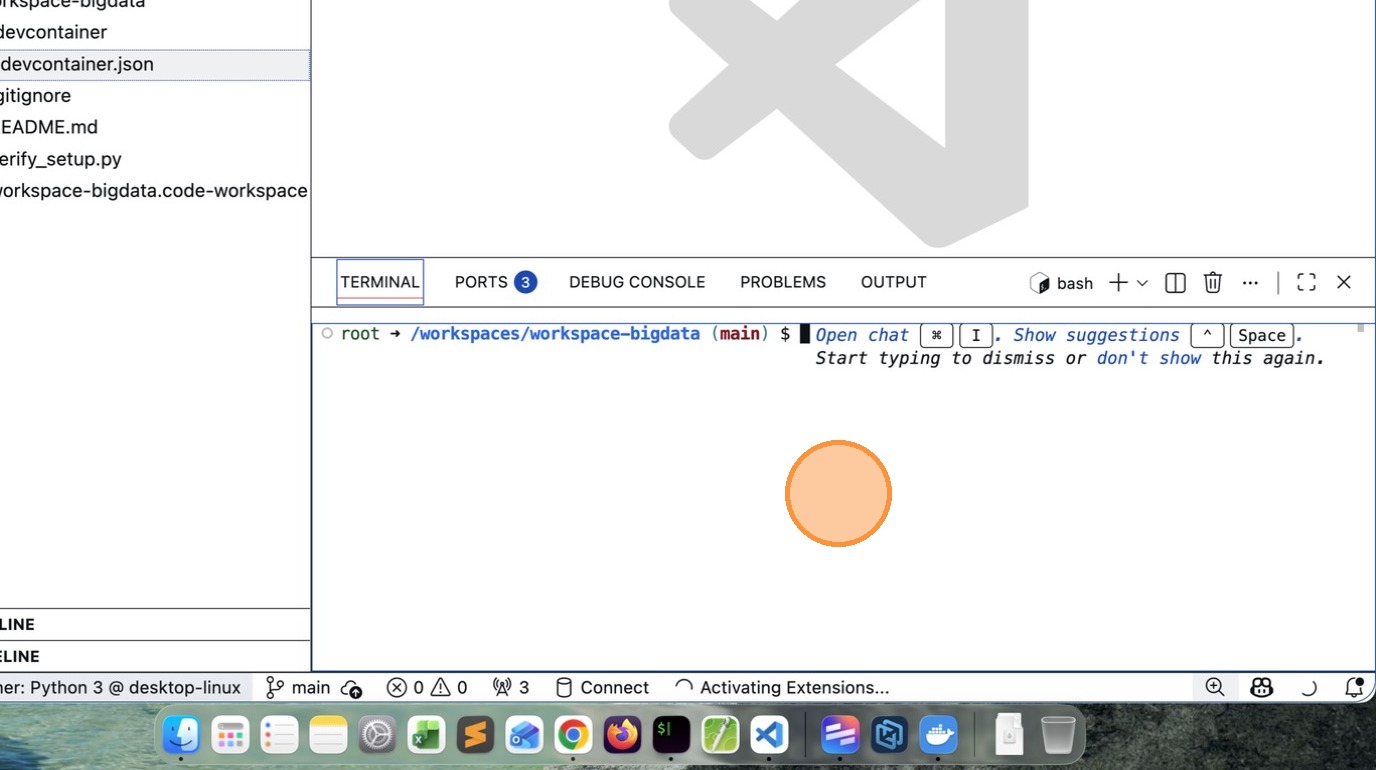
- After few minutes (depends on your computer capability and network speed), you will see a message like this.
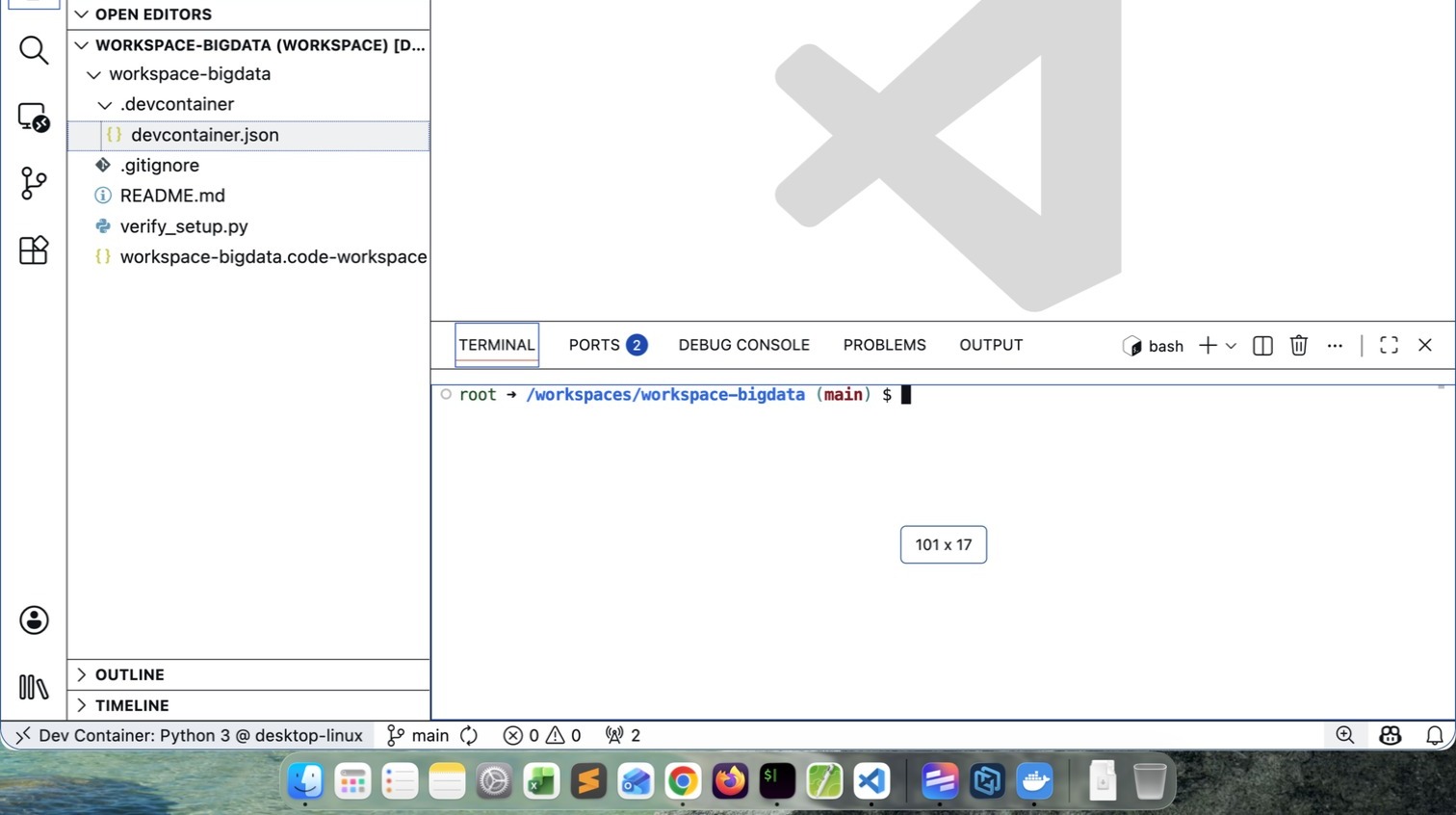
- If you see /workspaces/workspace-bigdata $ your installation is successful
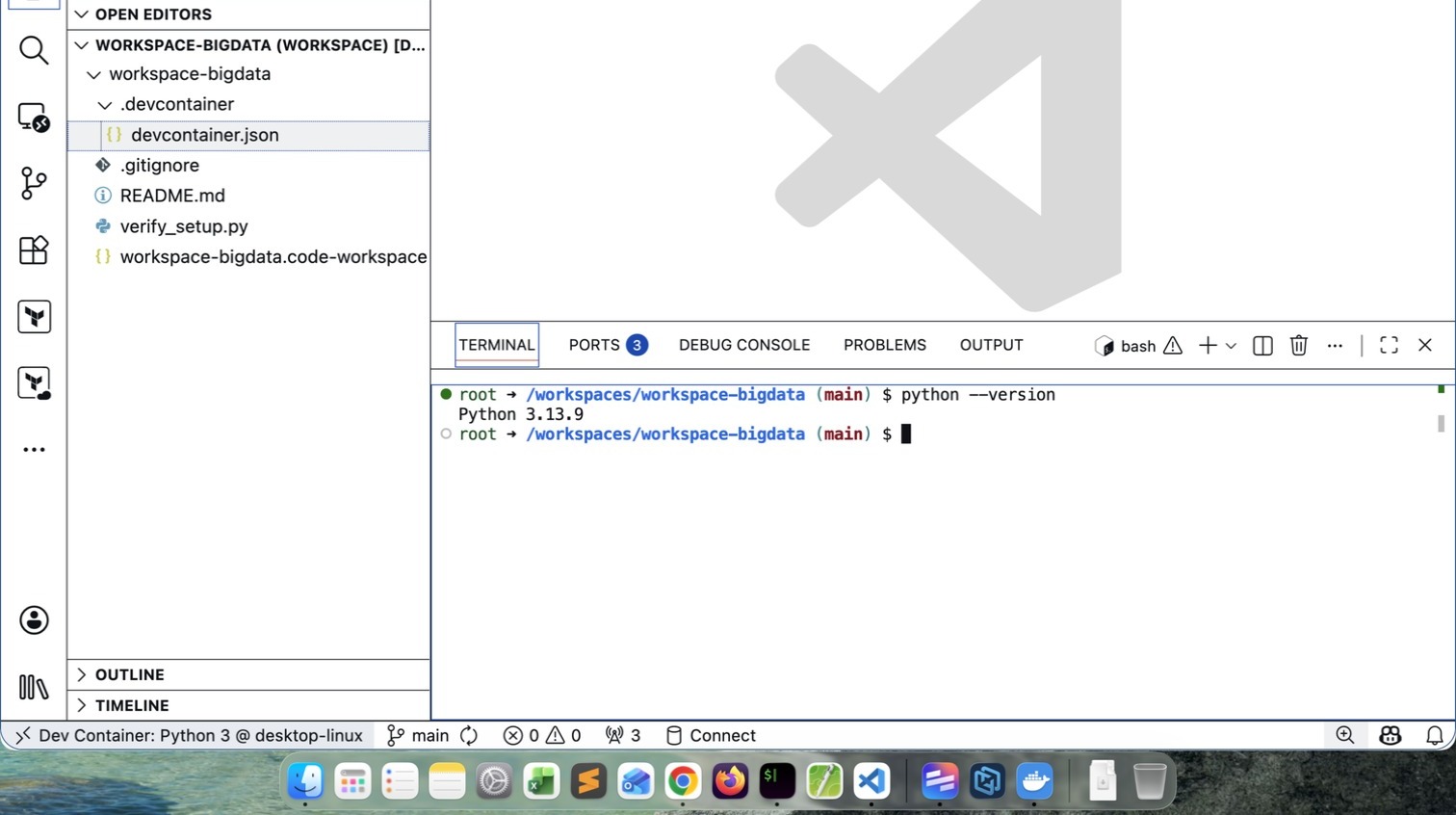
- Verify the Python version. It may vary depending upon what is latest at that time.
How to close the Workspace
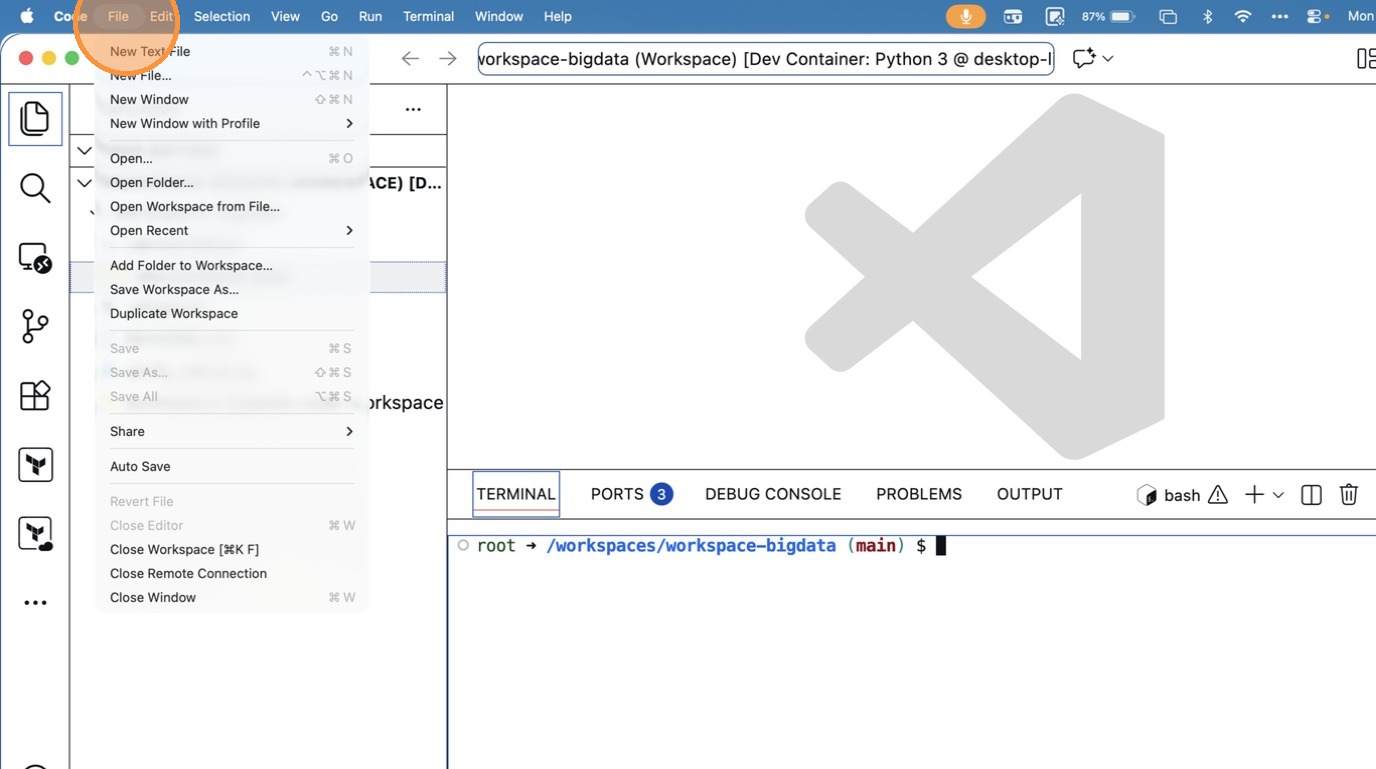
- Click “Close Remote Connection”
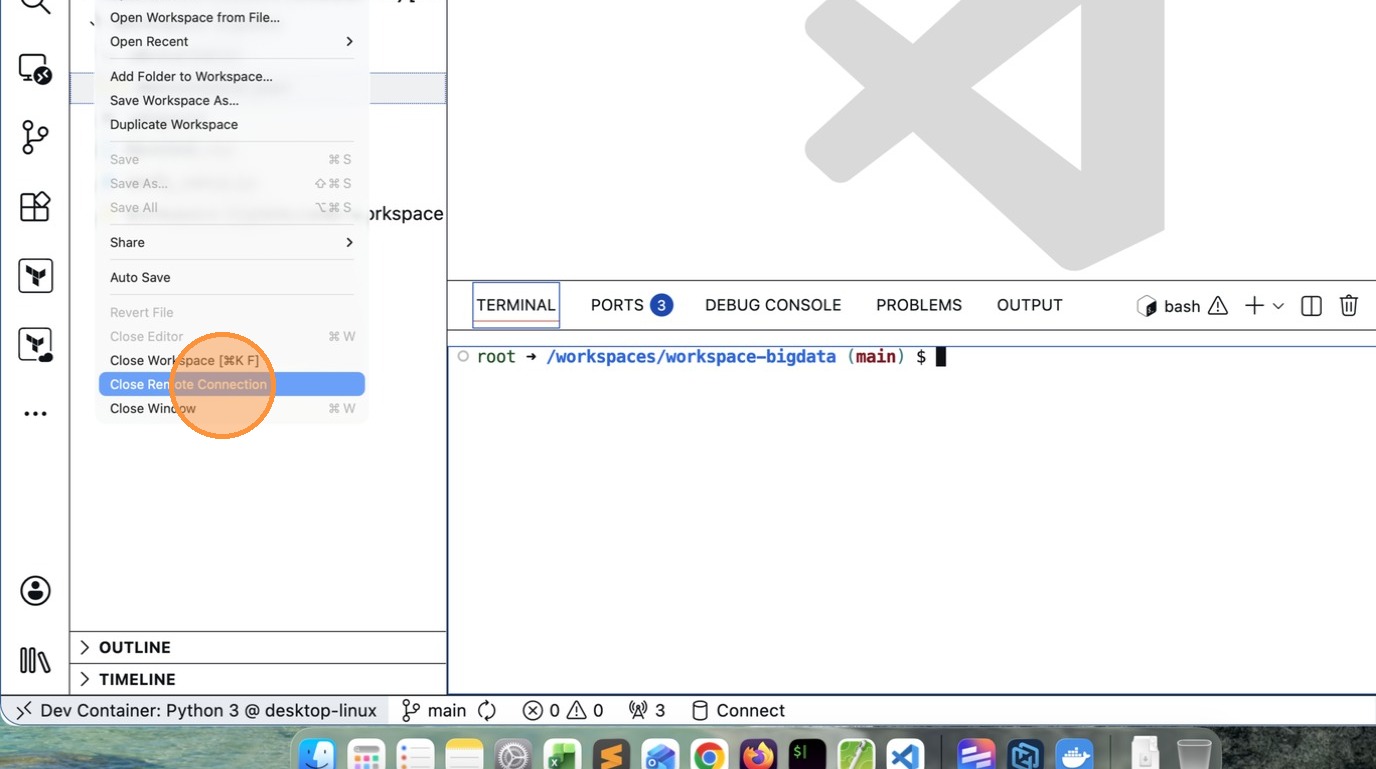
How to ReOpen Workspace again
- Click “File”
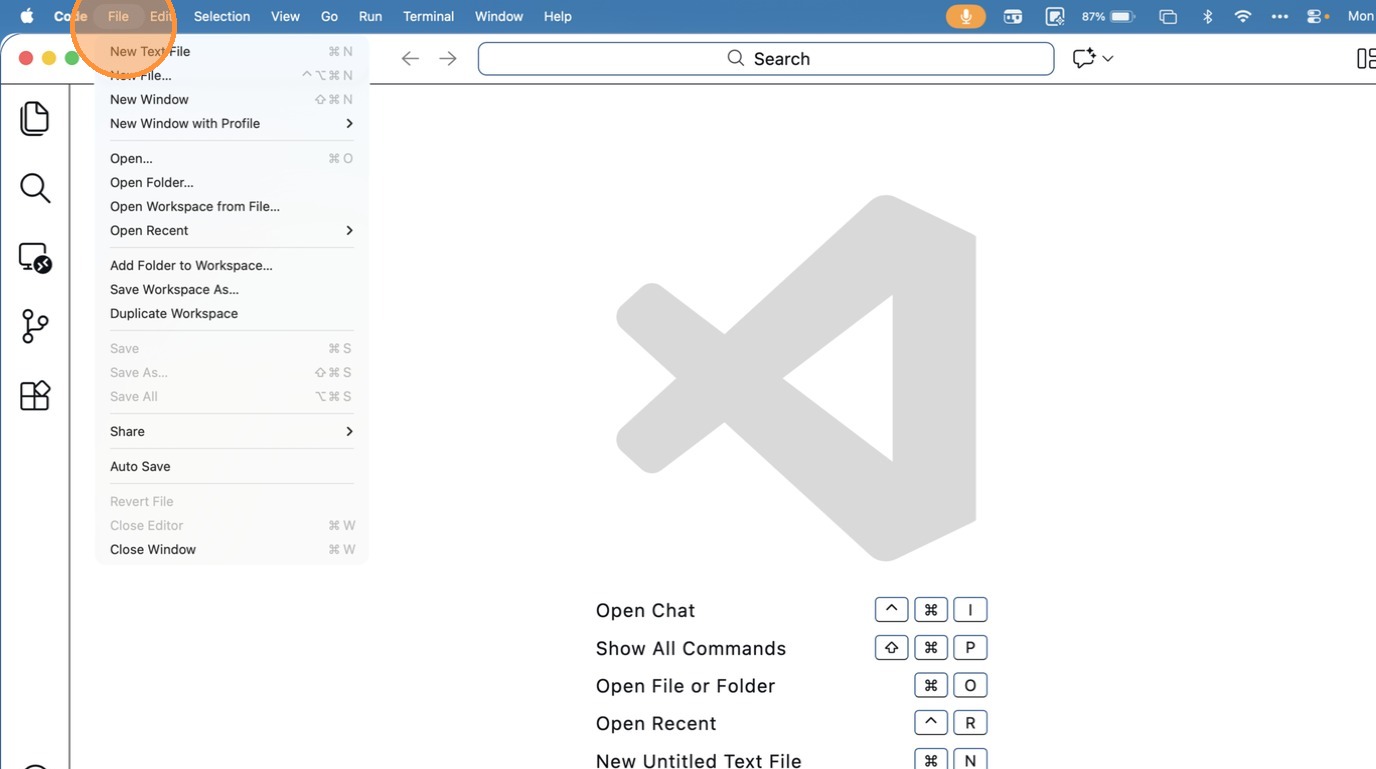
- Click “Open Workspace from File…”
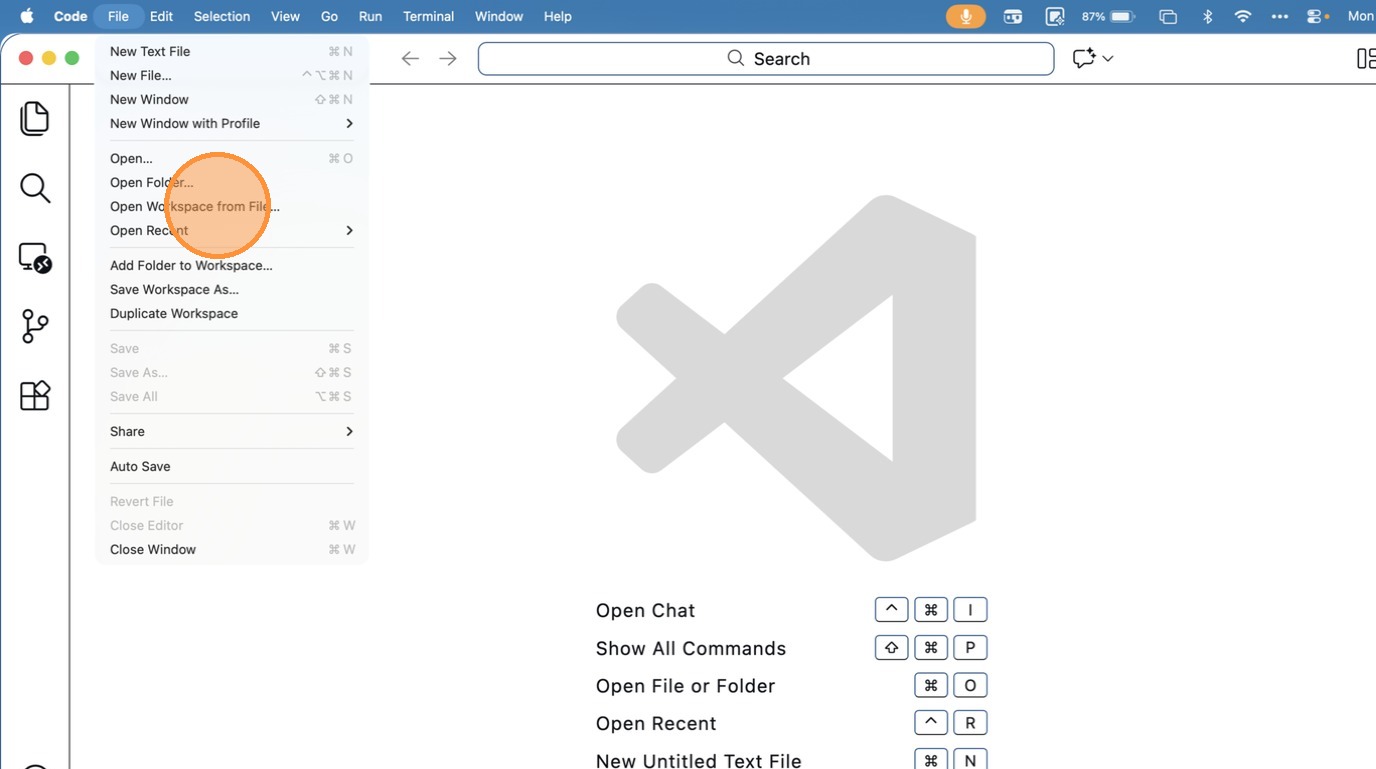
- Click “Documents”
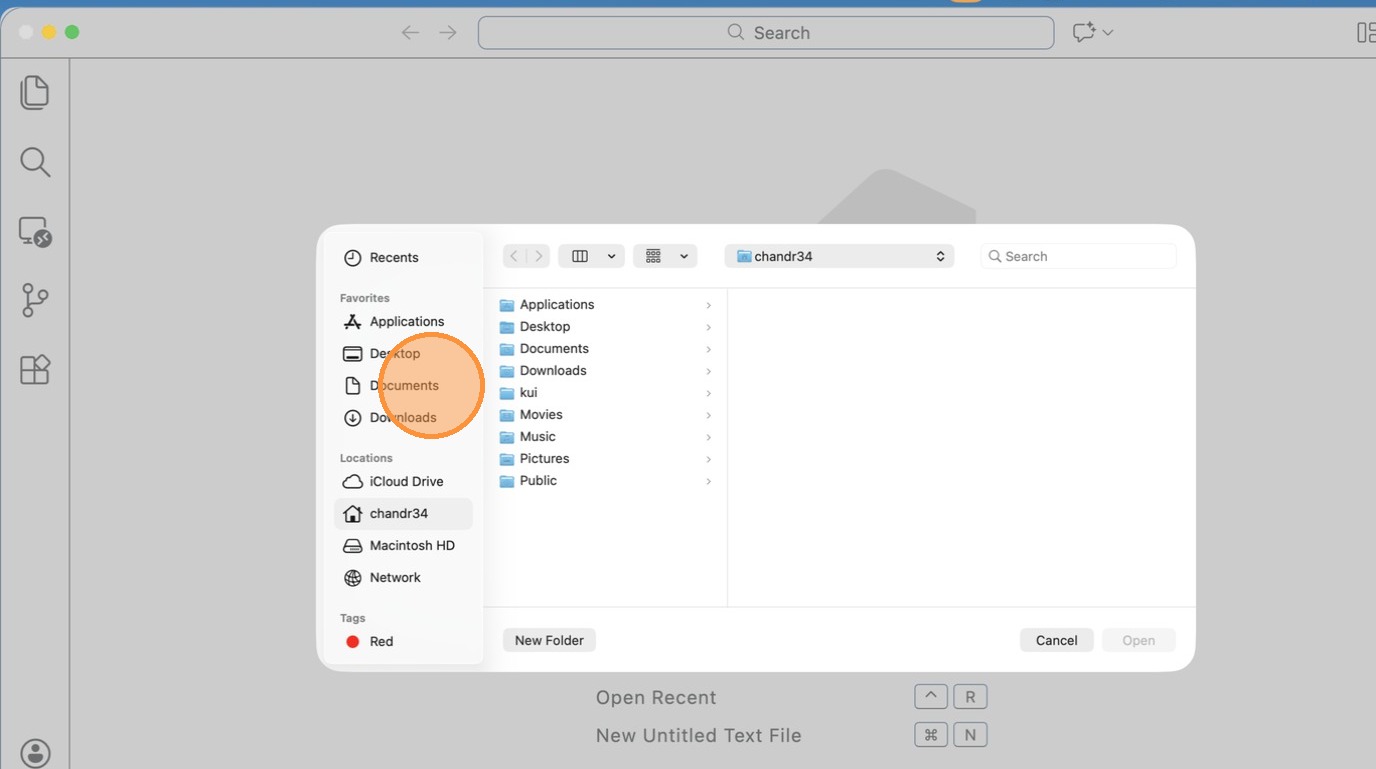
- Click “text field”
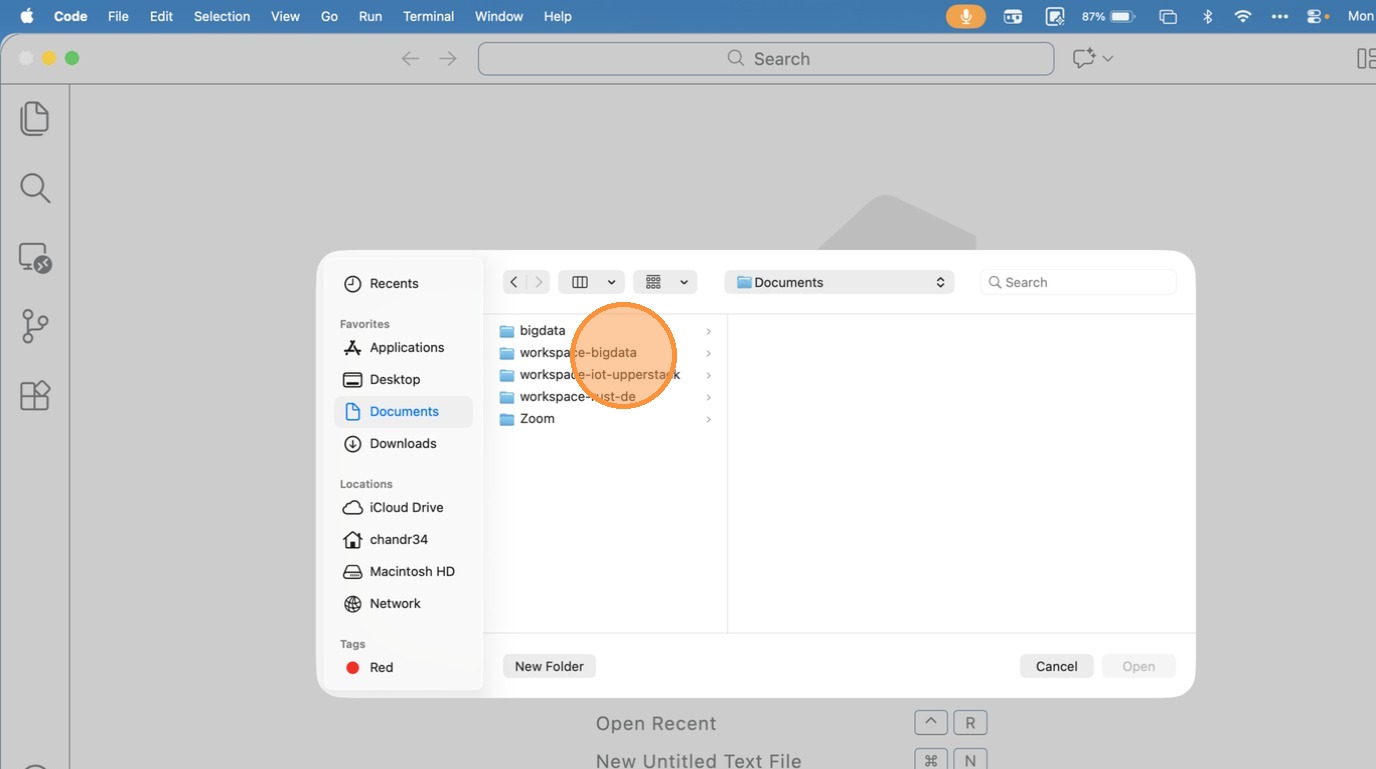
- Click “text field”
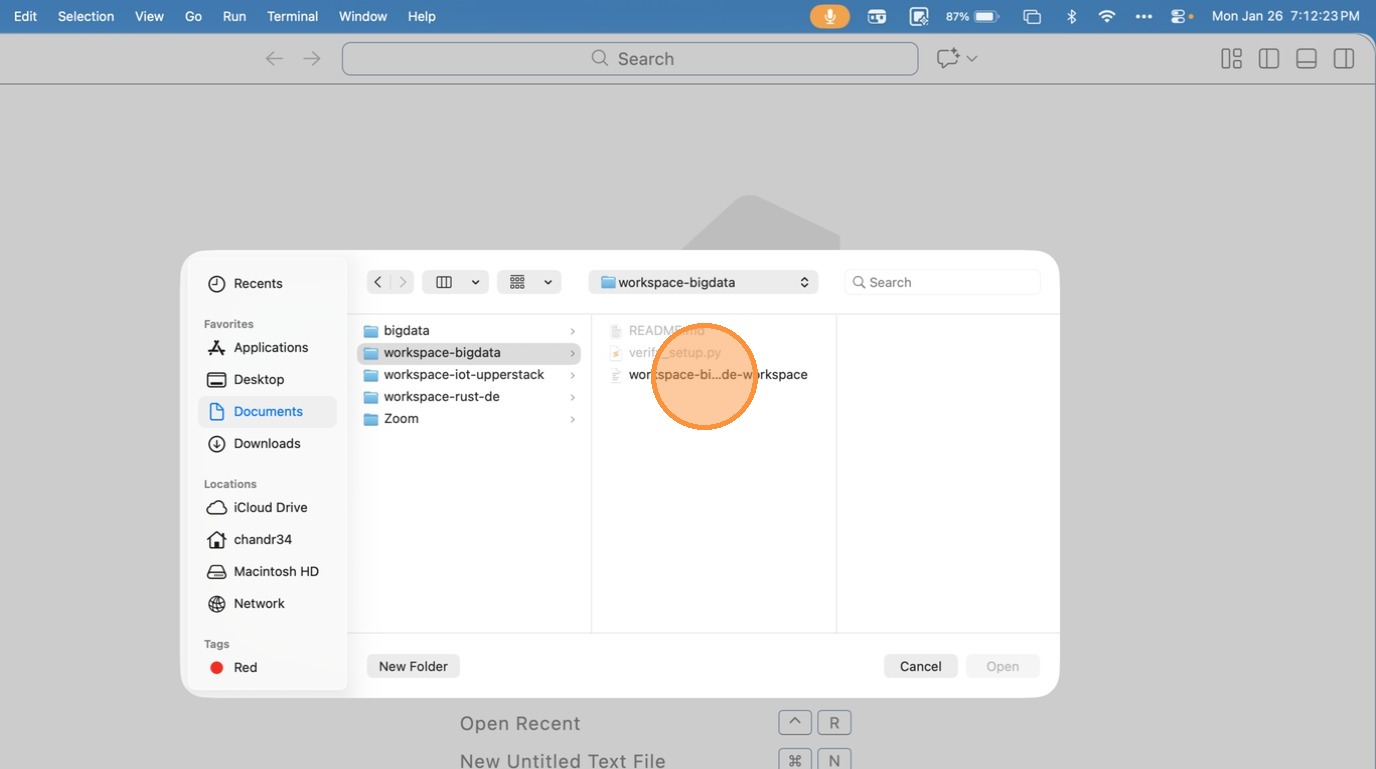
- Click “open workspace from file”
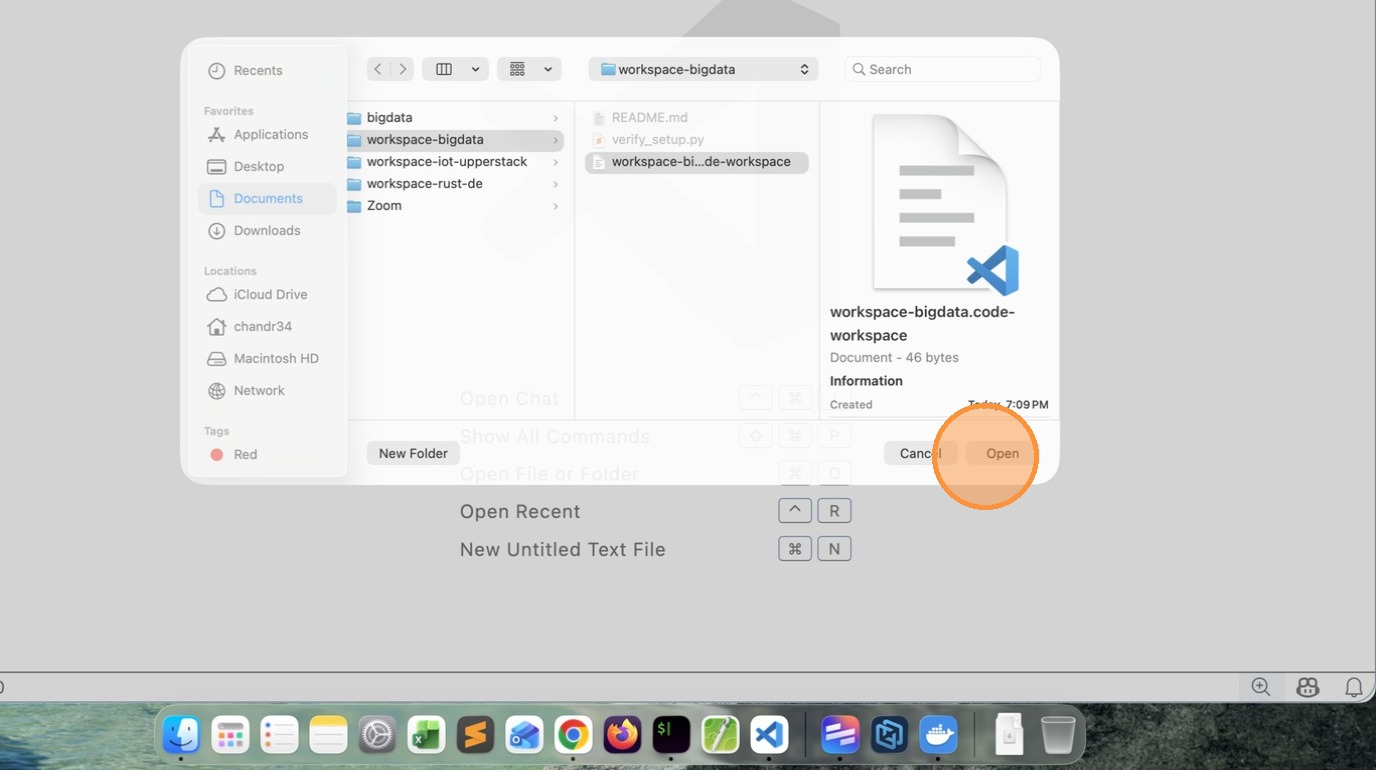
Tip: This time it will load the Remote Workspace immediately.
- Click “image”
Reset and Retry
- Close VSCode
- Delete workspace-bigdata folder and all files
- Open command prompt
- Run the following commands to clean the existing containers
docker rm $(docker ps -aq)

docker rmi $(docker image -aq)

docker volume rm $(docker volume ls -q)
- Goto command prompt clone the repository (I have updated a newer version)
https://github.com/gchandra10/workspace-bigdata.git
And follow the steps mentioned above
Note: pls make sure docker is running and you have enough space.